









To use virtual try-on when choosing glasses online, open an eligible frame, select the available live-camera or photo mode, and compare shape, color and overall proportions. Then check the product measurements against a pair that fits you. Virtual Try-On is a style preview; it does not measure PD, exact bridge contact, temple pressure or prescription accuracy.
Key Takeaways
- Look for a Try On or AR Try-On label because availability varies by frame and device.
- Use even light, face the camera and keep your position consistent between frames.
- Compare one variable at a time, such as shape or color.
- Use the preview for appearance, not as proof of exact physical fit.
- Verify frame width, lens dimensions, bridge width and temple length before ordering.
Before You Start Prepare a Useful Preview
Use a supported desktop or mobile device in even light. Face the camera directly and move hair or accessories that cover the frame area. If photo try-on is available, choose a clear, front-facing image. Select two to four frames before comparing so that the results remain easy to judge. Available modes can differ by product and device.
How to Use ZEELOOL Virtual Try On in Four Steps
1 Find a Frame With Try On
Browse ZEELOOL eyeglasses or sunglasses and open a product marked Try On or AR Try-On. Not every product necessarily supports the same preview option.
2 Choose Live AR or Photo Try On
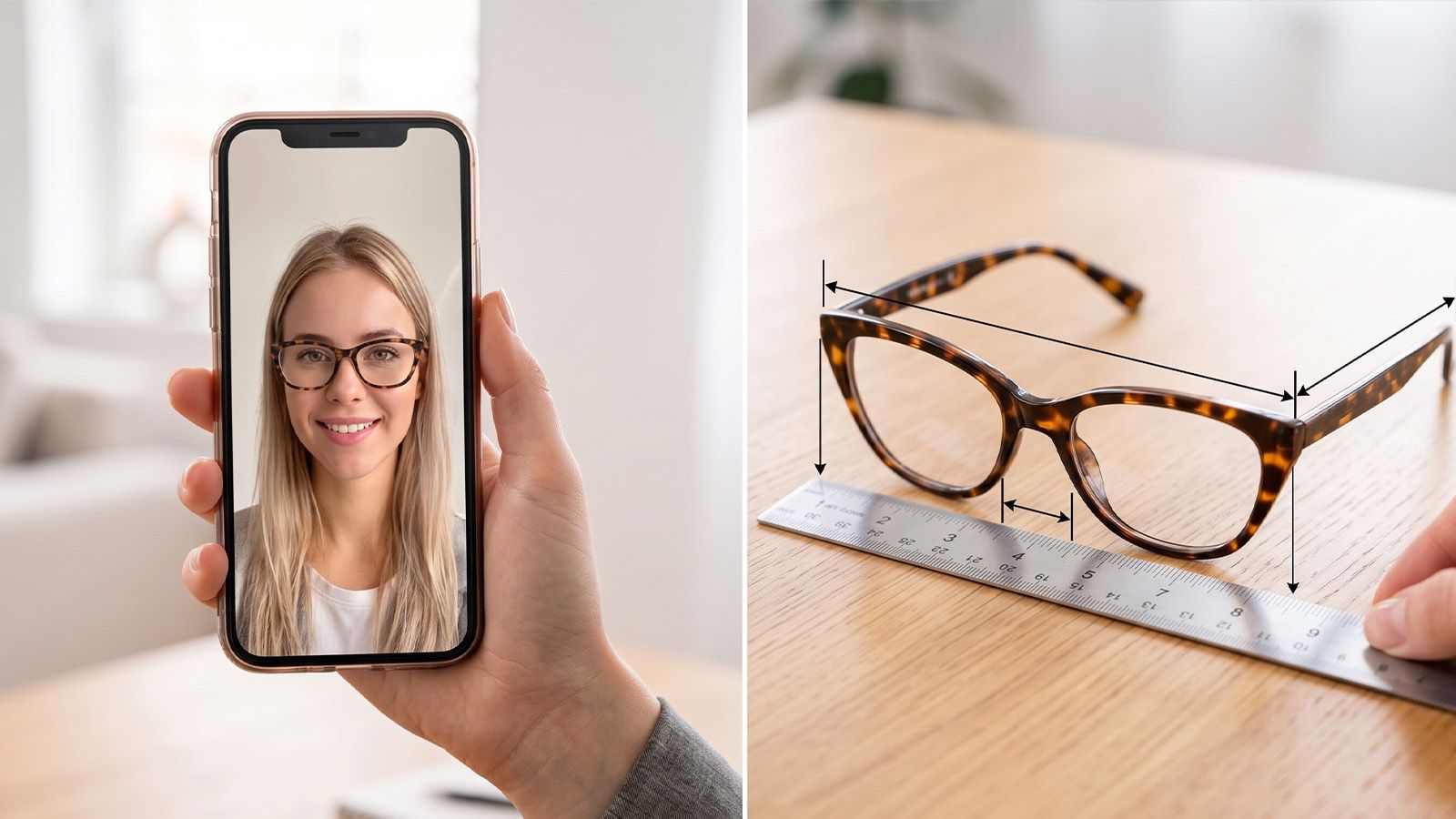
Live AR uses the device camera to place the available frame preview over your face in real time. Photo try-on lets you upload an image and view the frame on that picture. Follow the instructions shown on the product page and use only the mode currently offered.
3 Compare Shape Color and Viewing Angles
Keep your distance, lighting and head position reasonably consistent. First compare shape, then color, then visual weight. Check the front view and any available angles. When a frame has multiple colors, view them in the same session so the difference comes from the product rather than a new photo or lighting condition.
4 Verify Measurements Before Ordering
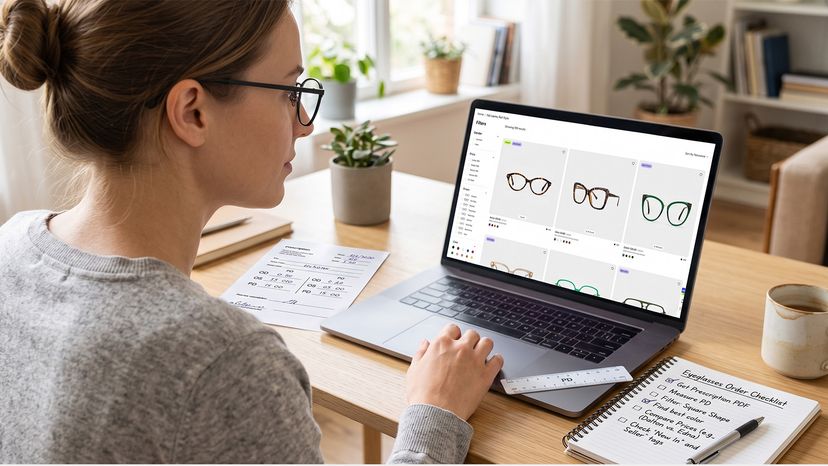
Once you have a shortlist, leave the preview and read the product measurements. Compare frame width, lens width and height, bridge width and temple length with glasses that already fit. Then confirm lens options and enter the prescription information required for the order.
What Virtual Try On Can and Cannot Tell You
Virtual Try-On can answer style questions, but it cannot complete a physical or optical fitting. Keeping that boundary clear makes the tool more useful.
| Virtual Try-On can help preview | It cannot confirm |
|---|---|
| Frame shape and outline | Exact face or frame measurements |
| Color and pattern | Pupillary distance |
| Relative visual scale | Bridge contact or nose pressure |
| Available lens appearance | Temple tightness or ear comfort |
| Overall proportions | Cheek and eyelash clearance or prescription accuracy |
Combine the Preview With a Fit Check
If a frame looks broad in the preview, compare total width with your current pair. If it appears tall, check lens height and potential cheek clearance. If the bridge looks low, inspect the bridge design and side view. These observations are screening signals rather than measurements.
Use the frame-size measurement guide and the seven-point fit checklist after the preview. Together, the tools answer different questions: what the frame looks like and whether its documented dimensions suit your baseline.
Compare Frames Without Getting Overwhelmed
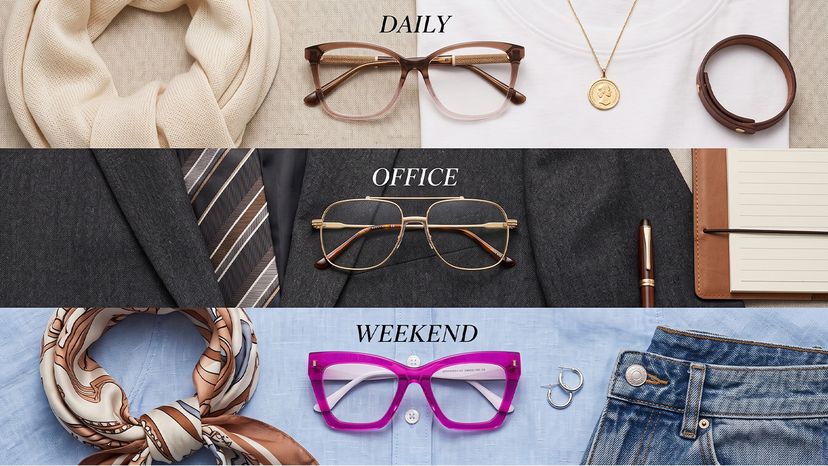
Use a one-variable test. Keep the shape similar and change color; keep the color similar and change shape; then compare scale or visual weight. Save one candidate for everyday wear, one for work or a specific task, and one expressive option if those roles match your needs. You do not need to buy every shortlisted pair.
Camera Photo and Privacy Basics
A camera is required for the live AR experience. A supported product may offer photo upload instead. Review the current Privacy and Security Policy for information about camera processing, uploaded photos and retention rather than relying on an older summary.
Try On Then Measure
Start at ZEELOOL Virtual Try-On, explore eligible frames and use the preview to build a focused shortlist. Before ordering, return to the product page and verify the measurements, lens options and prescription details.
FAQs
Is ZEELOOL Virtual Try-On free?
ZEELOOL Virtual Try-On is free to use on supported product pages. You can preview eligible frames without purchasing.
Can I virtually try on sunglasses?
Yes, there is a Virtual Try-On or AR Try-On for some sunglasses. It is dependent on the product, so look for the try-on label.
Do I need to turn on my camera?
A camera is required for live AR Try-On. If photo try-on is available for the product and device, you may upload a photo instead.
Does Virtual Try-On guarantee that glasses will fit?
No. It previews style and general proportions. Compare the product measurements with a well-fitting pair and assess actual bridge, temple, cheek and eyelash clearance when the glasses arrive.