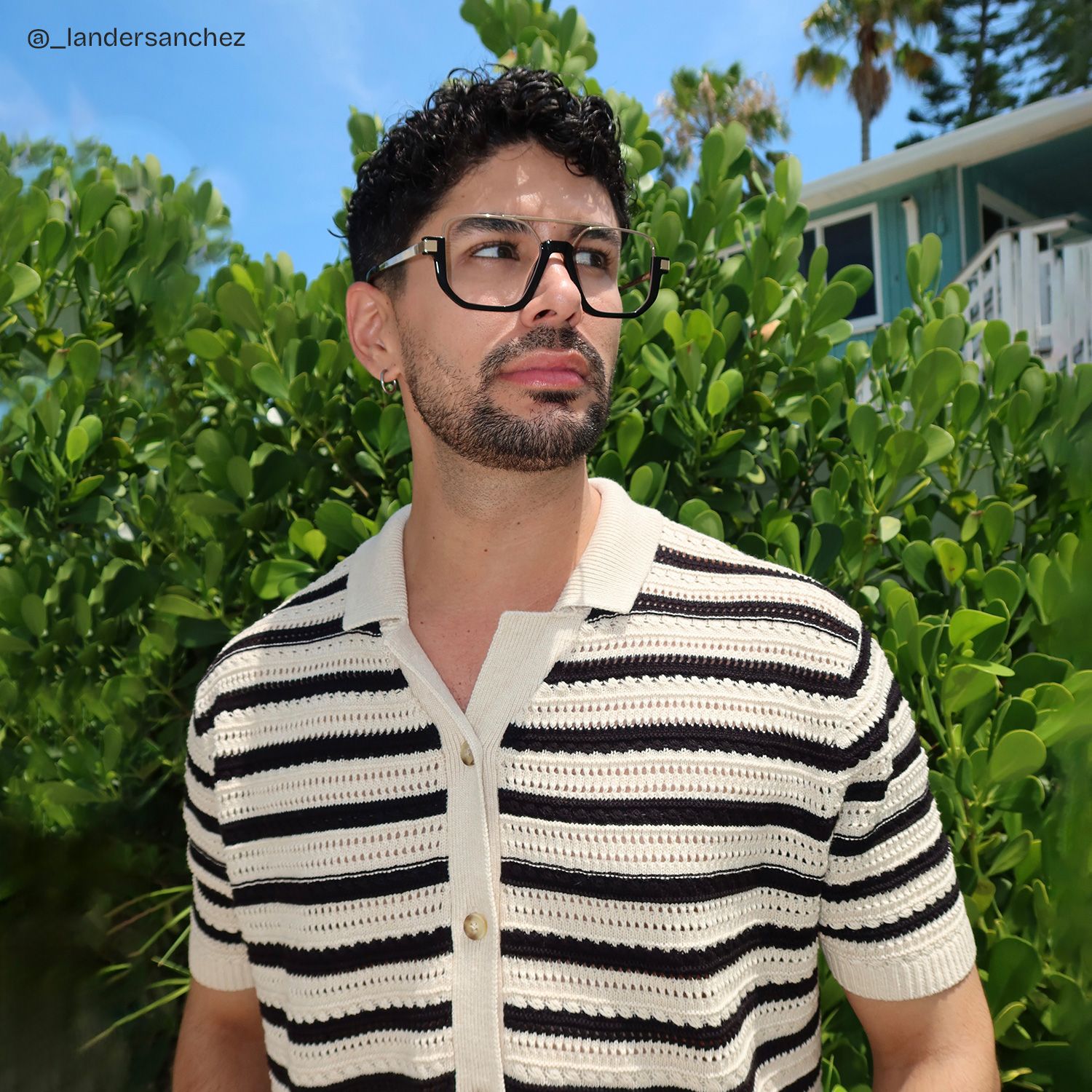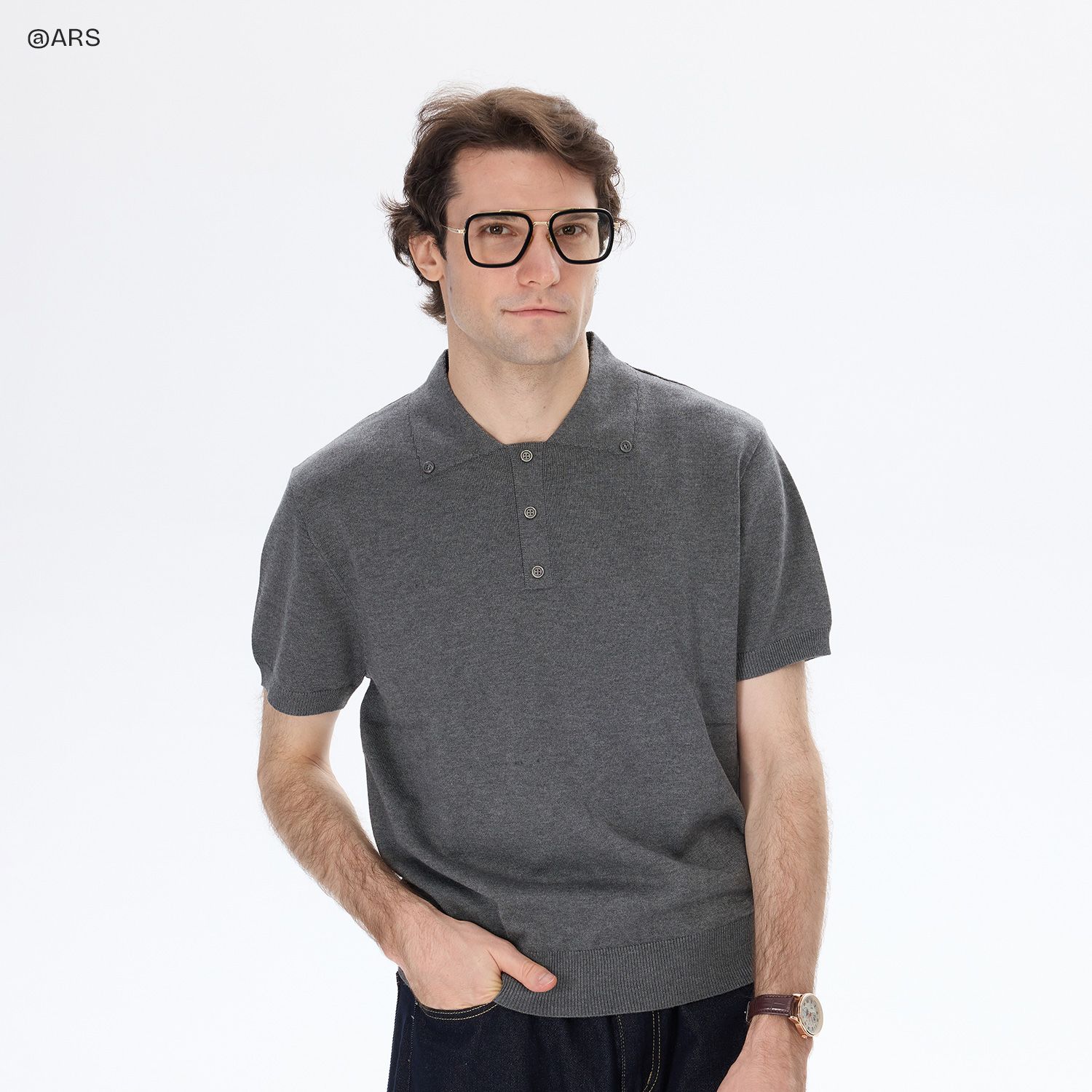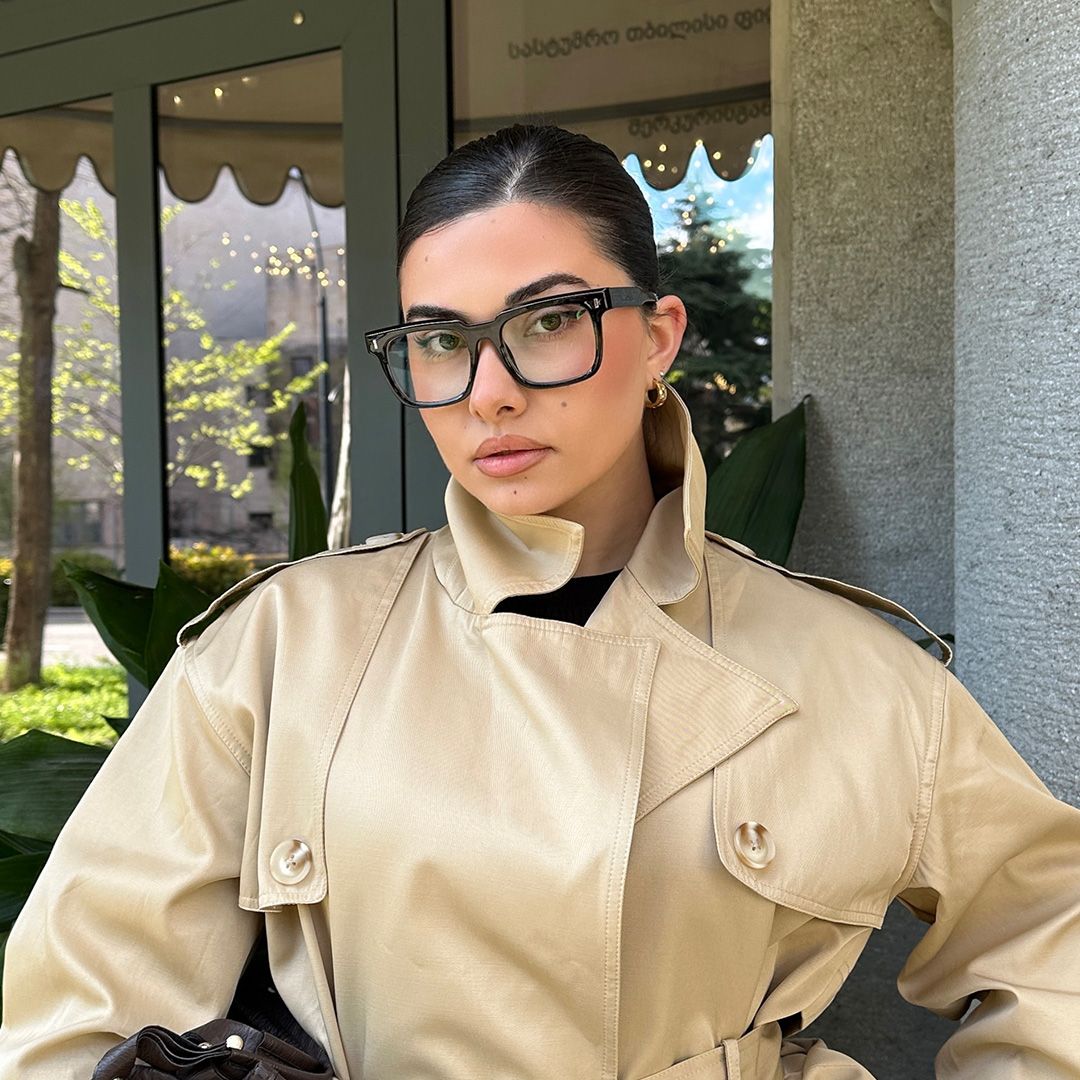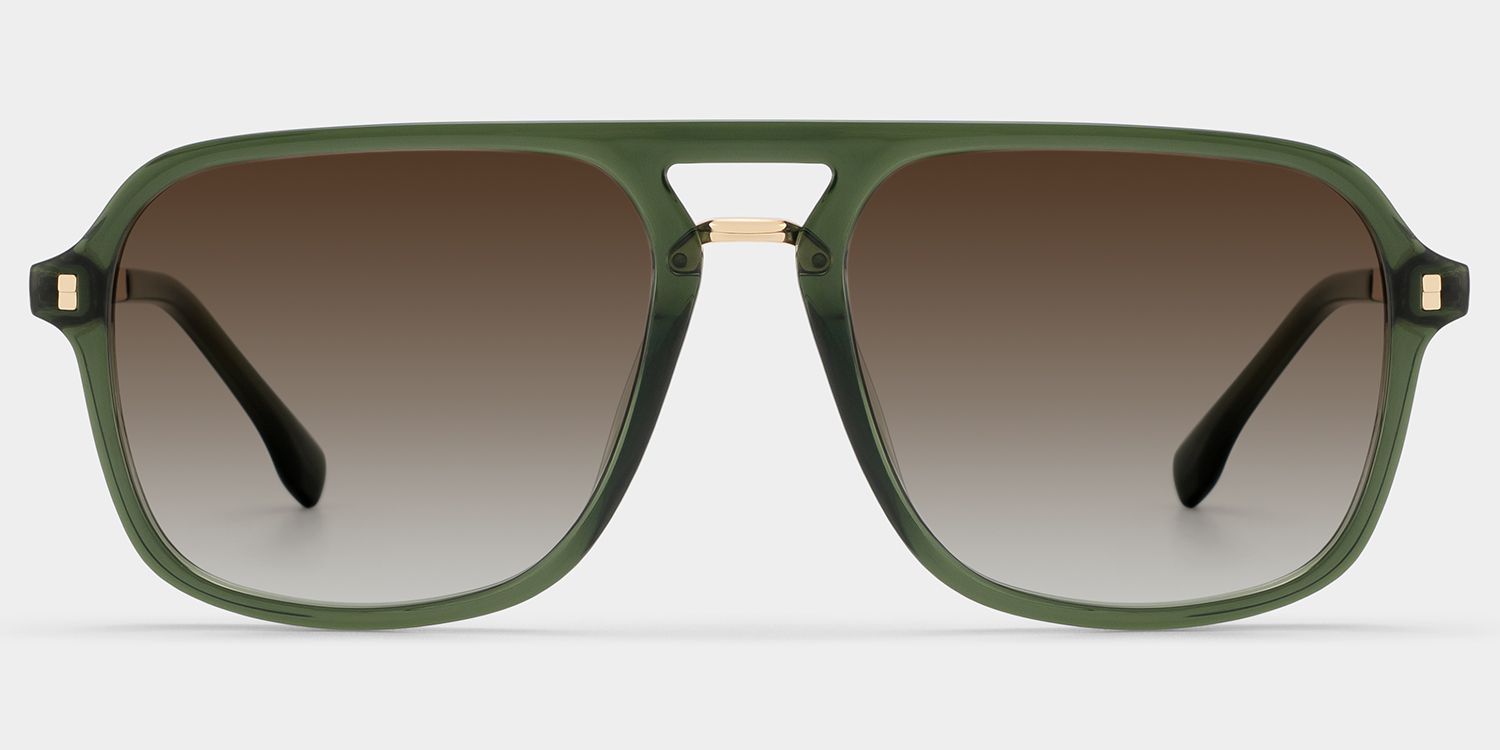










Find a Frame with Try-On
Browse ZEELOOL eyeglasses or sunglasses and open a product marked Try-On or AR Try-On. Available try-on options may vary by frame and device.

Discover how different eyeglasses and sunglasses look on you with ZEELOOL Virtual Try-On. Explore your favorite frames, preview your look, and customize your glasses online.
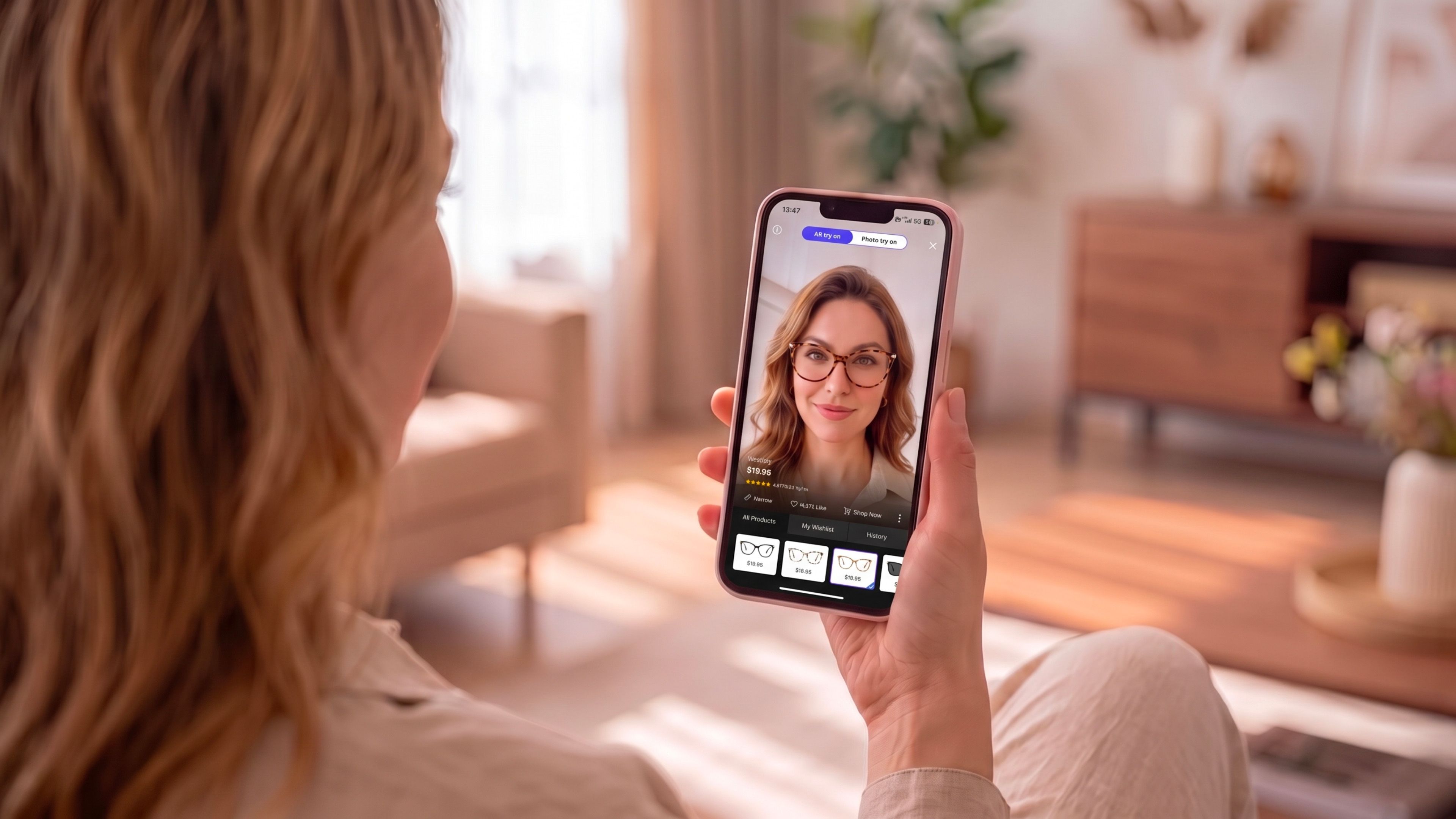
Browse ZEELOOL eyeglasses or sunglasses and open a product marked Try-On or AR Try-On. Available try-on options may vary by frame and device.
Select the option available on the product page. AR Try-On uses your device camera for a live preview, while photo try on lets you upload a photo and see the frame on your image.
Explore available frame colors, lens looks and viewing angles. Once you find a style you like, check the frame measurements, customize your lenses and continue to order.
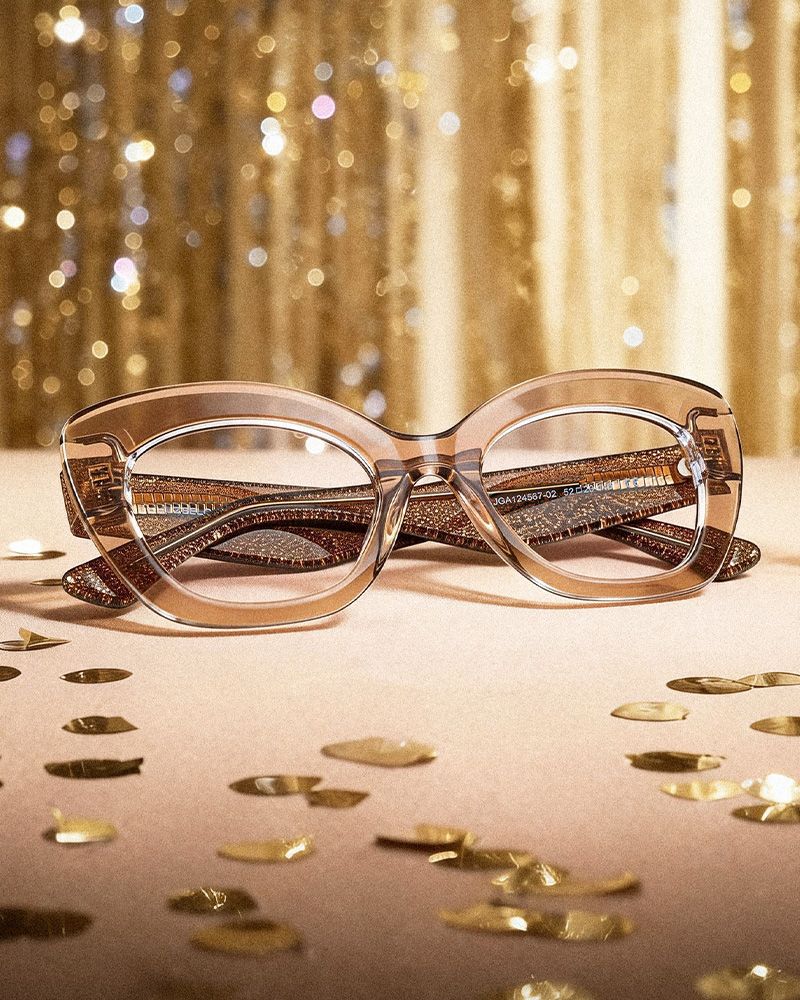
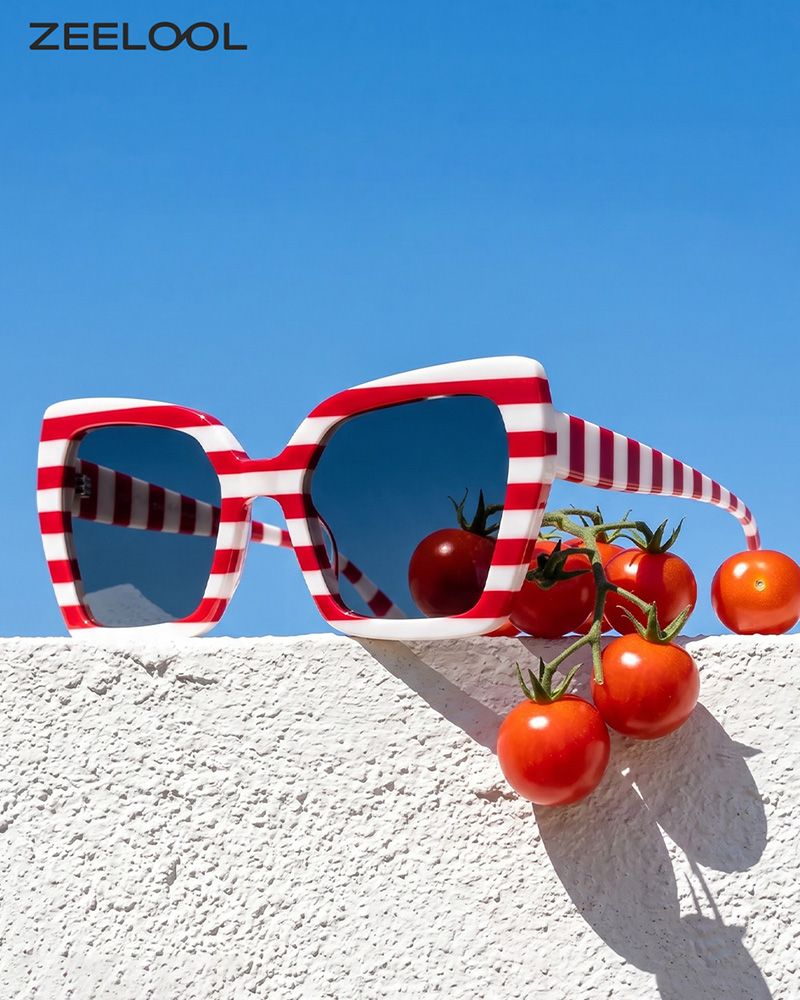
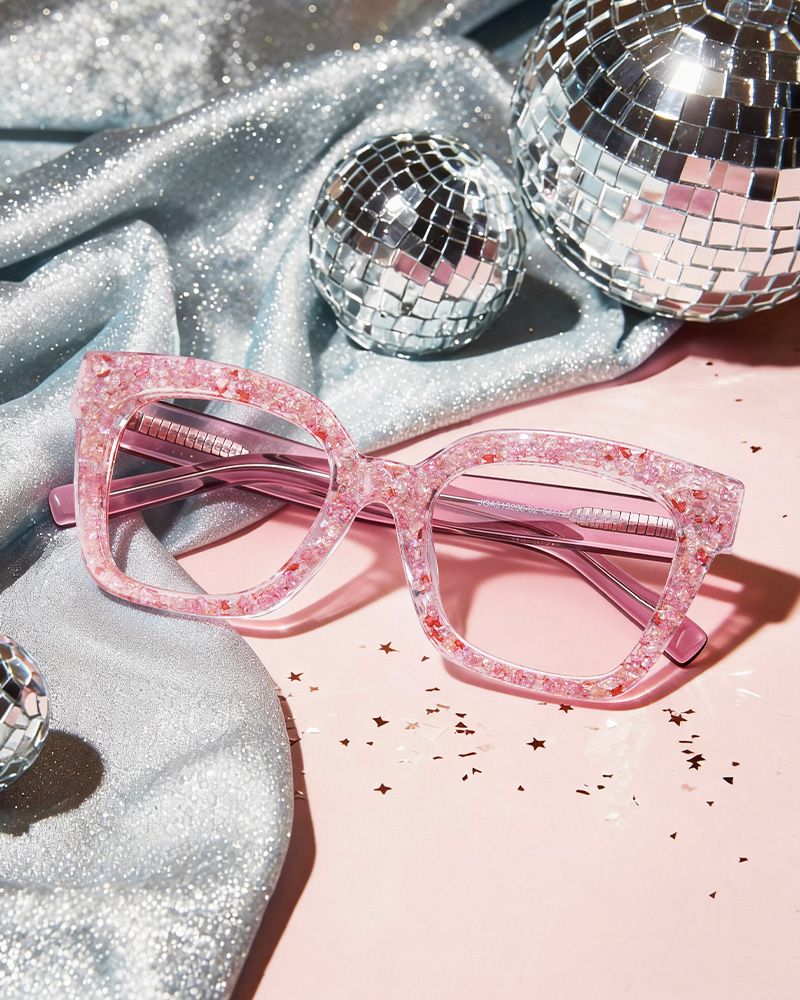
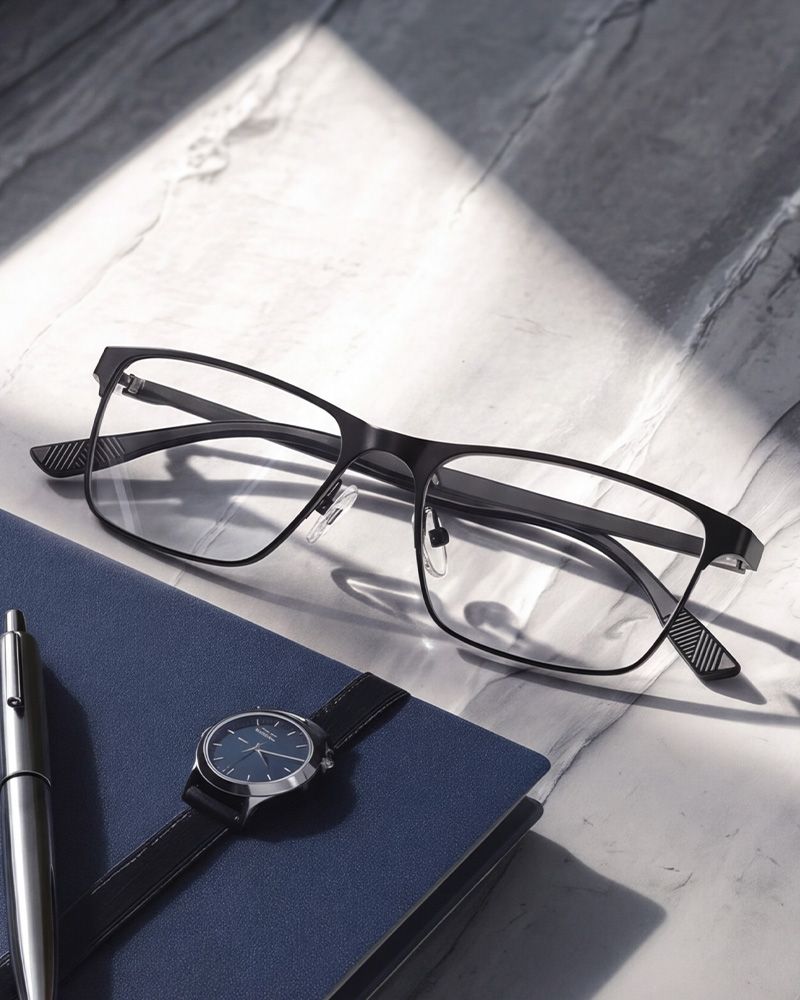
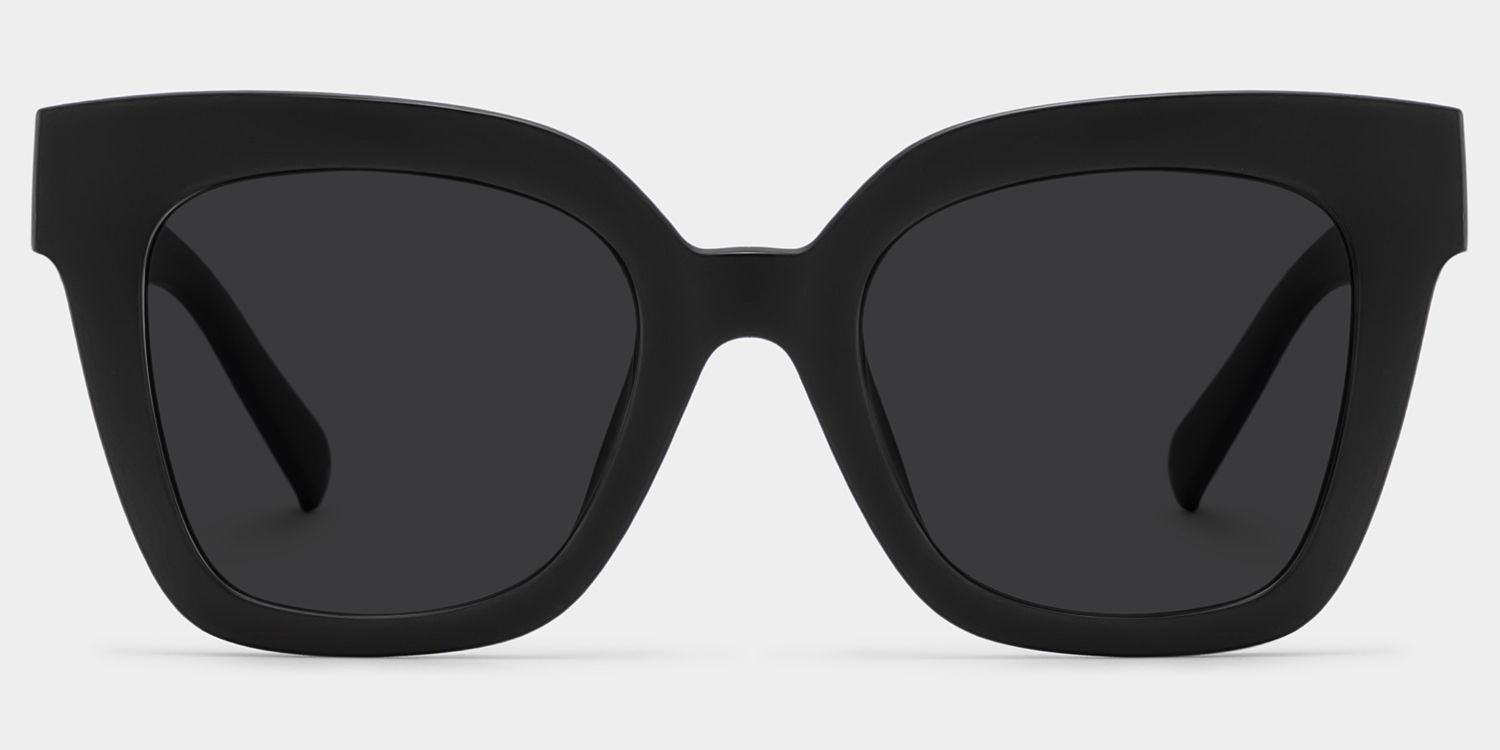
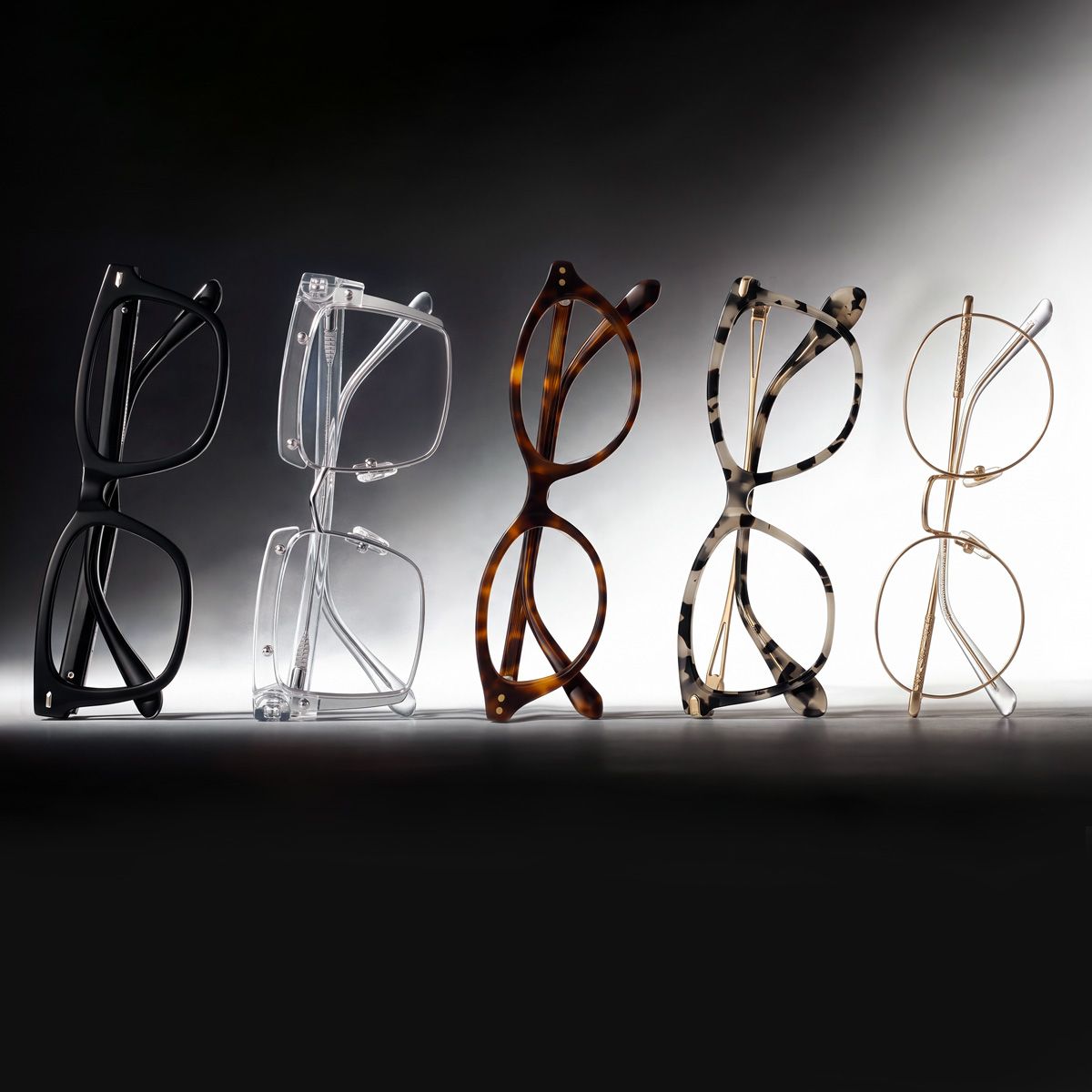
Not sure where to start? From bold statement frames to timeless everyday styles, explore a look that feels like you—then try your favorites on virtually.
Start with some of the ZEELOOL styles customers love. Open a frame to explore its colors, measurements, lens options and Virtual Try-On experience.
Virtual Try-On is an online preview tool that helps you see how selected eyeglasses or sunglasses may look on your face before ordering. It provides a visual reference for frame shape, color and overall proportions, but it does not measure exact physical fit.
Open a supported product page and look for the Try-On or AR Try-On label. Select the available option, follow the on-screen instructions to use your camera or upload a photo, and preview the frame. Start by browsing ZEELOOL eyeglasses.
ZEELOOL Virtual Try-On is available on supported desktop and mobile devices, including PC, iOS and Android. Availability may vary by product, device and try on mode, so check the options shown on the individual product page.
A camera is required for the live AR Try-On experience. If a product supports photo try-on, you can upload a photo instead. The available option depends on the product and device you are using.
Yes. ZEELOOL Virtual Try-On is free to use on supported product pages. You can preview eligible frames without making a purchase.
Yes, selected sunglasses support Virtual Try-On or AR Try-On. Not every sunglass style is eligible, so look for the try-on label on the product page or browse the current sunglasses selection.
Virtual Try-On is designed to provide a visual preview of frame shape, color, lens appearance and overall proportions. It does not currently measure your exact face size, pupillary distance or physical frame fit, so results should be used as a style reference rather than an exact measurement.
No. Virtual Try-On helps you evaluate how a frame looks, while product measurements help you assess physical fit. Before ordering, compare the frame width, lens width, bridge width and temple length with a pair that already fits you, and use the ZEELOOL Fit Guide.
Use Virtual Try-On to compare shapes, colors and styles, then review the product measurements before making a decision. The How to Choose Eyeglasses guide provides additional guidance on face shape, frame style and fit.
Live camera data is processed locally on your device and is not uploaded to the server or stored. For photo try-on, an uploaded image may be saved when you give permission. If you do not allow it to be saved, the image may still be retained temporarily on the server for up to 12 hours to provide the try-on service. Learn more in the Privacy & Security Policy.