



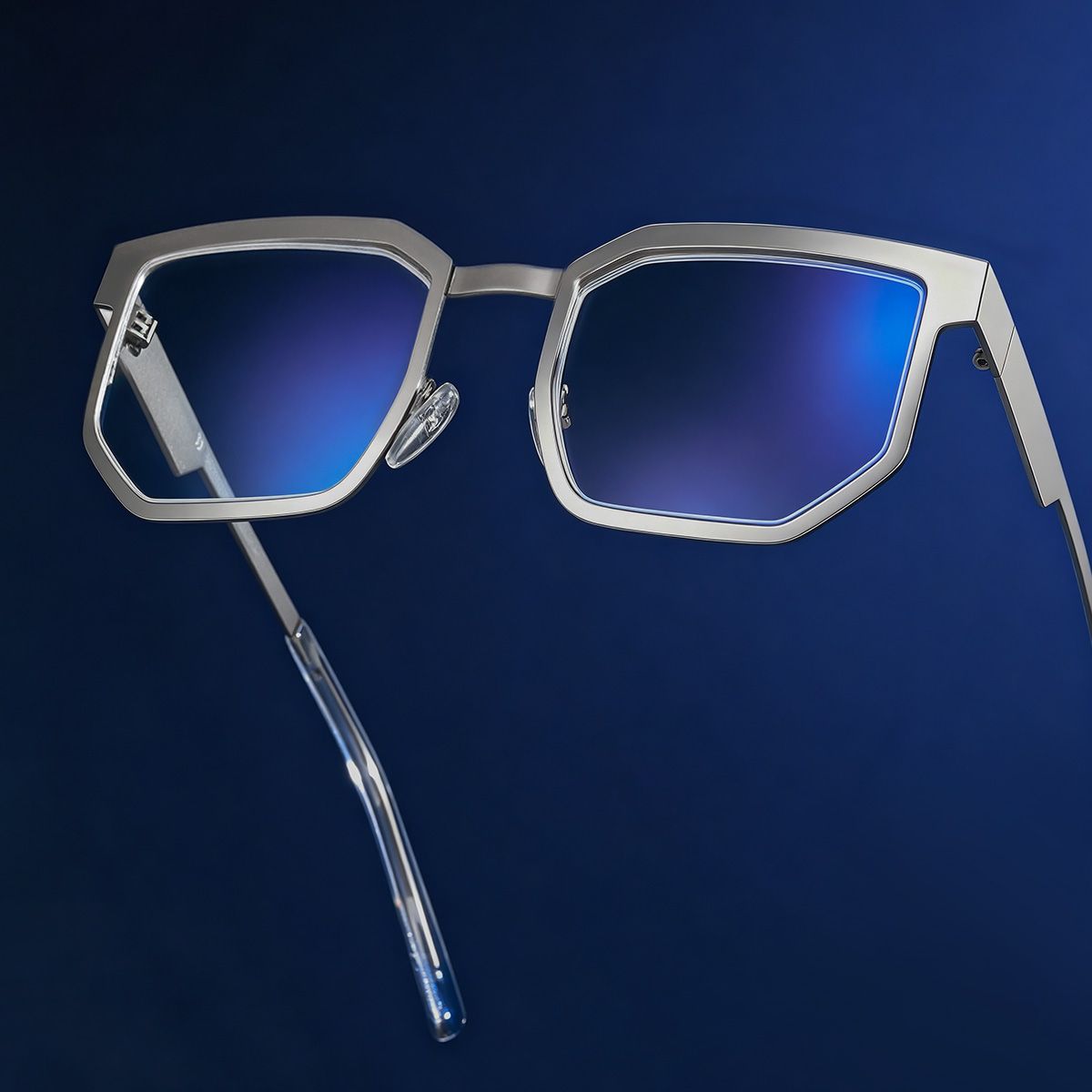







If you're reading this on a screen, it's probably not the first hour you've spent staring at one today. Your eyes suffer while you're cramming a final report, binge-watching Netflix, copyediting your dad's latest “best-selling” book, or doom-scrolling at 2 AM. Talk about vision protection!
What is digital eye strain? My eyes hurt; send help!
Digital eye strain (also known as “computer vision syndrome”) occurs when your eyes feel dry, fatigued, and ready to fall out of your head after a long day of screen usage. Digital eye strain occurs when your eyes work overtime using a computer or phone all day. Screens require more eyework than other items. Screens have less contrast, fuzzier lettering, and glare than books and magazines, making attention difficult. Screens are held differently than pages. Distance and angles—your eyes must constantly adjust, which is hard. Over time, this strain can cause digital eye strain. Headaches, fuzzy vision, neck and shoulder pain, and existential dread from too much computer time are common.
There is good news! The fix is pretty simple and very exciting: get yourself a sweet pair of computer glasses! They help reduce strain, improve clarity, and keep your eyes feeling fresh, even after hours of scrolling, gaming, or pretending to be productive.
Types of Glasses for Computer Use
Blue Light Blocking Glasses
Blue light really is the digital villain in this story because it is a necessary part of your screen’s lighting, but it is hard on your eyes and significantly affects your sleep. If you are logging hours in front of a screen, blue light-blocking glasses help soften the blue light so you can keep scrolling, gaming, or fake-working without totally frying your retinas.
Anti-Reflective (AR) Coated Glasses (Bye Bye, Annoying Glare)
Anti-reflective is beneficial in specific situations like night driving, skiing on sunny days, and preventing eye strain from screentime. AR-coated glasses are not a particular type of glass lens but a coating that kills glare by redirecting reflected light, making surfaces easier to look at.
Computer Glasses with Prescription Lenses
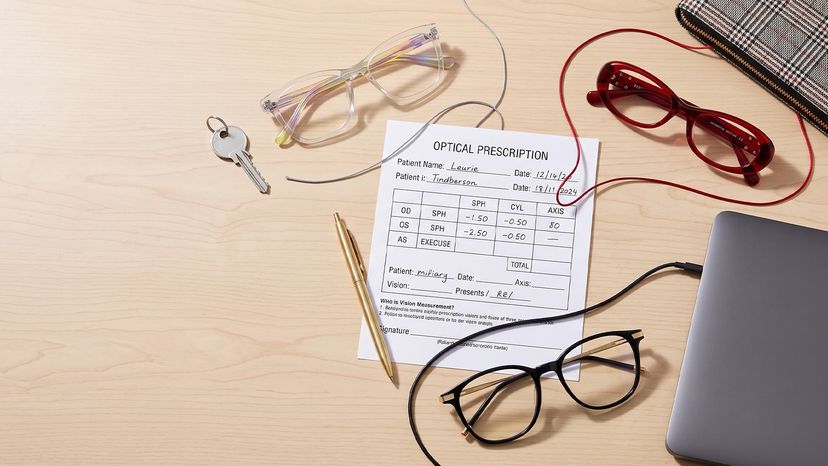
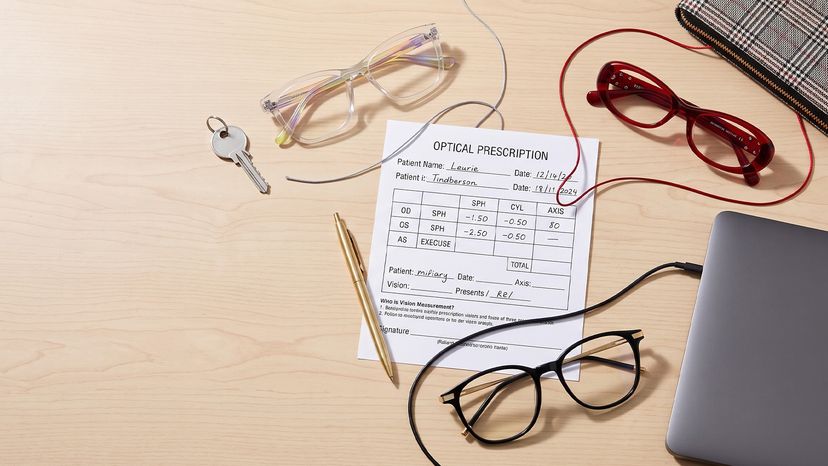
If you already wear glasses, don’t settle for struggling through screen time. Computer glasses with your prescription are designed to make focusing easier at just the right distance, so you don’t have to squint like you’re deciphering hieroglyphs.
Progressive Glasses
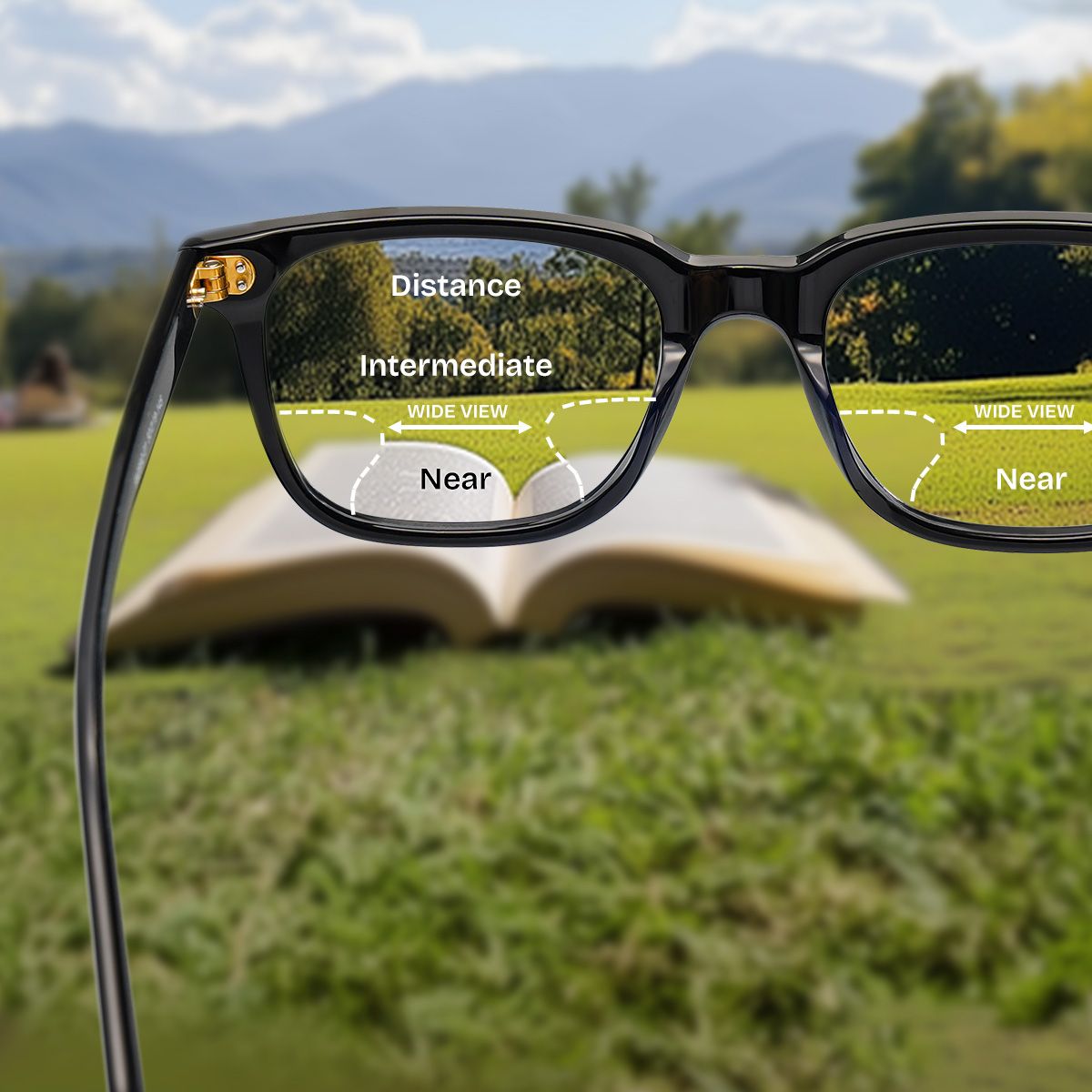
For those of you juggling between reading, scrolling, and keeping an eye on the world beyond your screen (yes, it exists), progressive glasses let you do it all without swapping frames every five minutes.
Features to Look for in Computer Glasses
Not all computer glasses are created equal, and you deserve the best. Here’s what to look for:
Blue Light Protection
Saves your eyes and your sleep schedule.
Anti-Reflective Coating
Makes everything crisp and clear, like an Instagram filter for real life.
Comfortable Fit
No one wants glasses sliding down their nose every five seconds.
Prescription Compatibility
Because blurry screens are NOT in this year.
Lens Tinting
A slight yellow tint can reduce eye fatigue and make everything (including you) look more vibrant.

Recommendations from ZEELOOL (Because Looking Good Matters)
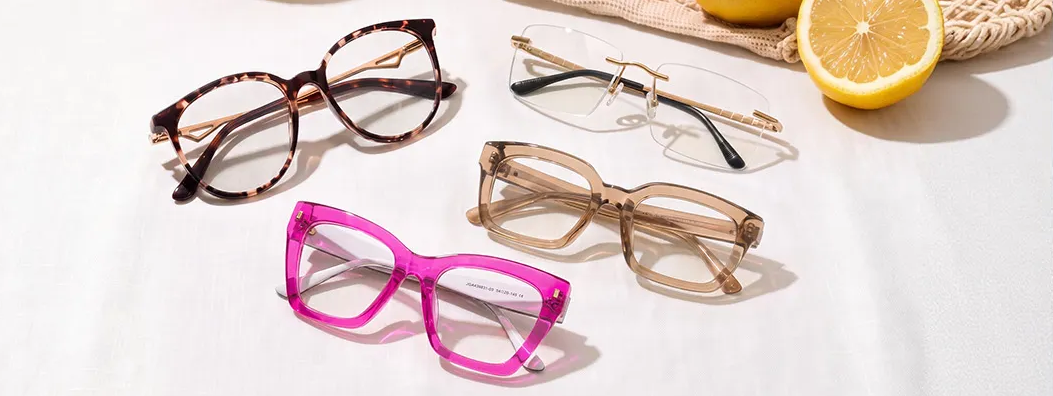
Listen, just because you need eye protection doesn’t mean you have to look like a tech bro from 2012. ZEELOOL’s got stylish, functional, and affordable options so you can look good while keeping your eyes happy.
Blue Light Blocking Glasses
Protect your eyes without looking like a nerd (unless that’s your vibe—no judgment).
Prescription Computer Glasses
See clearly, work smarter, and still look on point.
Fashionable Progressive Glasses
For when you need to see everything and stay stylish doing it.
Tips for Reducing Eye Strain While Using Computers (Because We Know You Won’t Stop)
Even with the best computer glasses, your eyes need a break. Try these tips:
Follow the 20-20-20 rule
Every 20 minutes, look 20 feet away for 20 seconds. (Yes, even when you’re mid-binge.)
Adjust Screen Brightness
No need to blind yourself—match it to your surroundings.
Use Proper Lighting
Overhead lights are not your friend! Soft, indirect lighting is the move.
Maintain Proper Distance
Keep screens at least an arm’s length away.
Blink More Often
It sounds silly, but screens make us blink less. Don’t let your eyes dry out like a raisin.
FAQ
What type of glasses is best for computer use?
The best option starts with an accurate prescription for your actual screen distance. An anti-reflective coating can reduce distracting reflections, while a comfortable frame helps maintain good posture. Some people benefit from computer-specific lenses, especially when ordinary reading or progressive glasses do not provide a wide, clear monitor zone.
Do blue-light-blocking glasses prevent digital eye strain?
Current evidence does not show that blue-light-filtering lenses reliably prevent digital eye strain or protect the eyes from screen damage. They are optional rather than essential. Regular breaks, blinking, glare control, appropriate lighting, correct prescription, and treatment of dry-eye symptoms usually have a clearer role in improving comfort.
Can progressive lenses be used for computer work?
Yes, but standard progressives may have a relatively narrow intermediate zone, causing some users to lift the chin or move the head frequently. Occupational or computer lenses can provide a wider area for monitor and desk distances, although they are generally not intended for driving or full-distance use.
How can I reduce eye strain while working at a computer?
Keep the screen about an arm's length away and slightly below eye level, reduce reflections, blink regularly, and use the 20-20-20 rule: every 20 minutes, look about 20 feet away for 20 seconds. Persistent blur, headaches, pain, or dryness should be evaluated by an eye care professional.